

Explore your neighbourhood






Upcoming events
+ Add event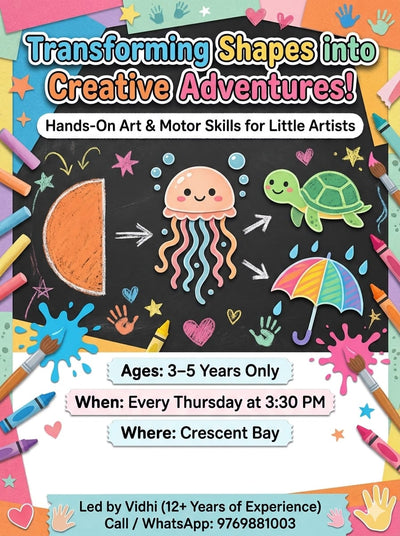
Toddler Art Class - Crescent Bay
See poster for date
Pathfinders Pre-School - Open House!
Saturday, 21st November 2026
Children's Day Workshops!
Saturday, 14 November 2026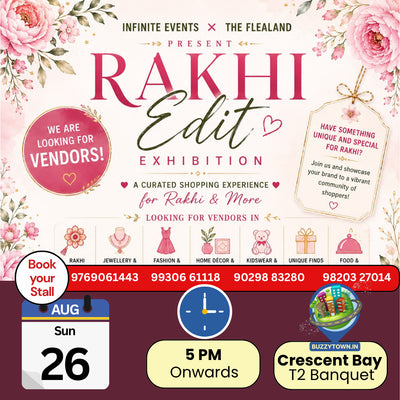
Rakhi Edit Exhibition - Stall Bookings Open!
26th August Time: 5 PM onw...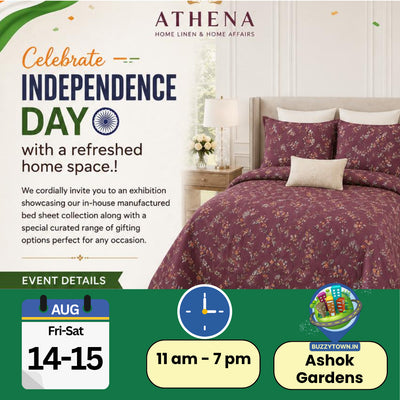
Athena Home Linen - Exhibition of Bed Linen & More!
See poster for date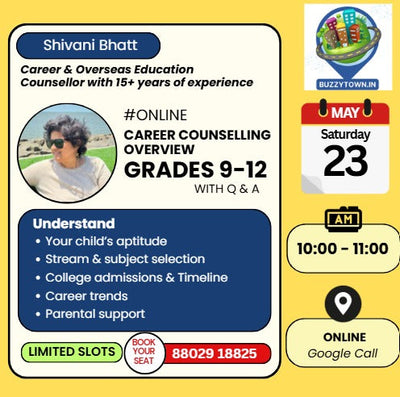
Career Counselling Session
See poster for date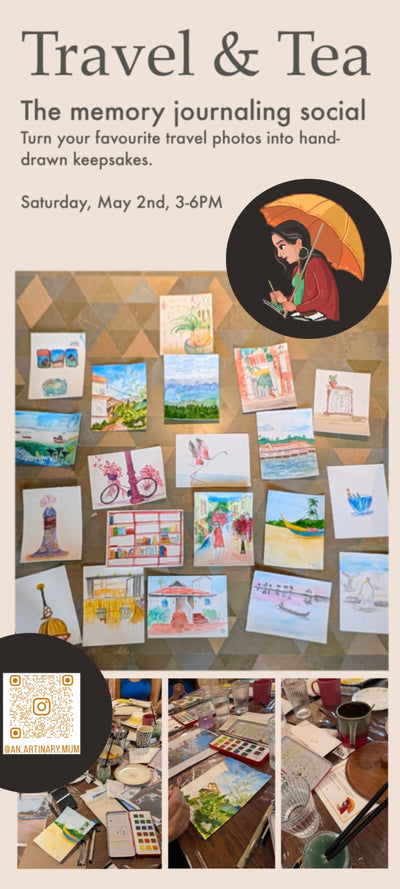
Travel & Tea: the memory journaling social
See poster for date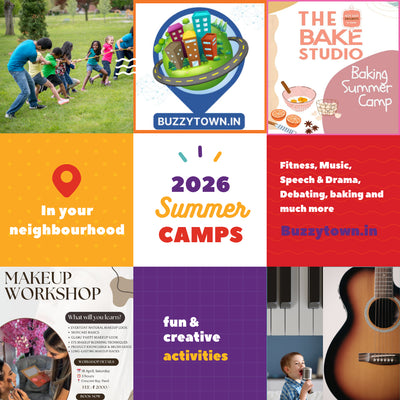
Summer Camps 2026! Sewri-Dadar
See poster for dateNotice board
+ Place AdLooking for a double bed
CB
Paw Patrol tower for sale
ICC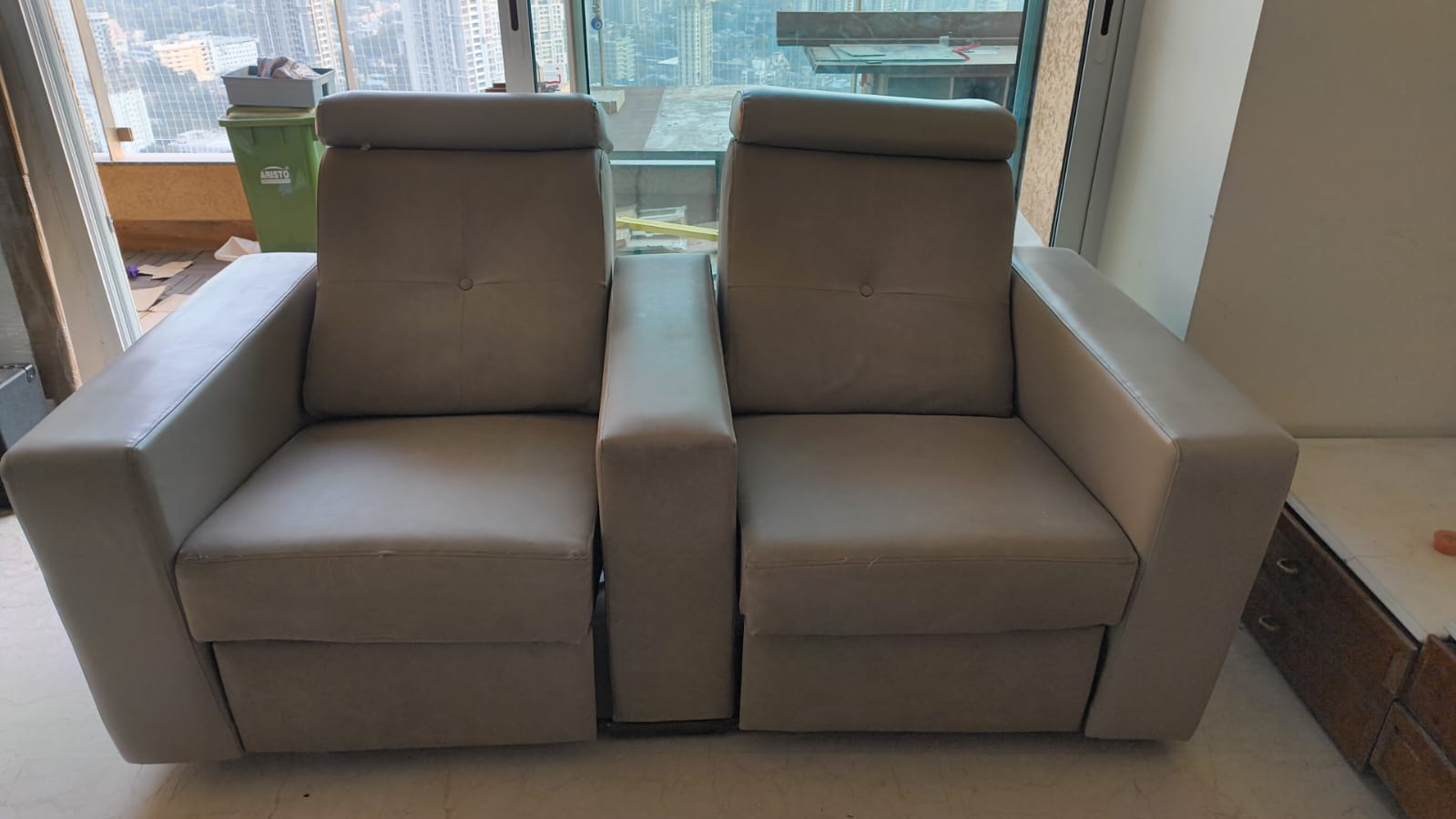
Recliner for sale
Celestia Spaces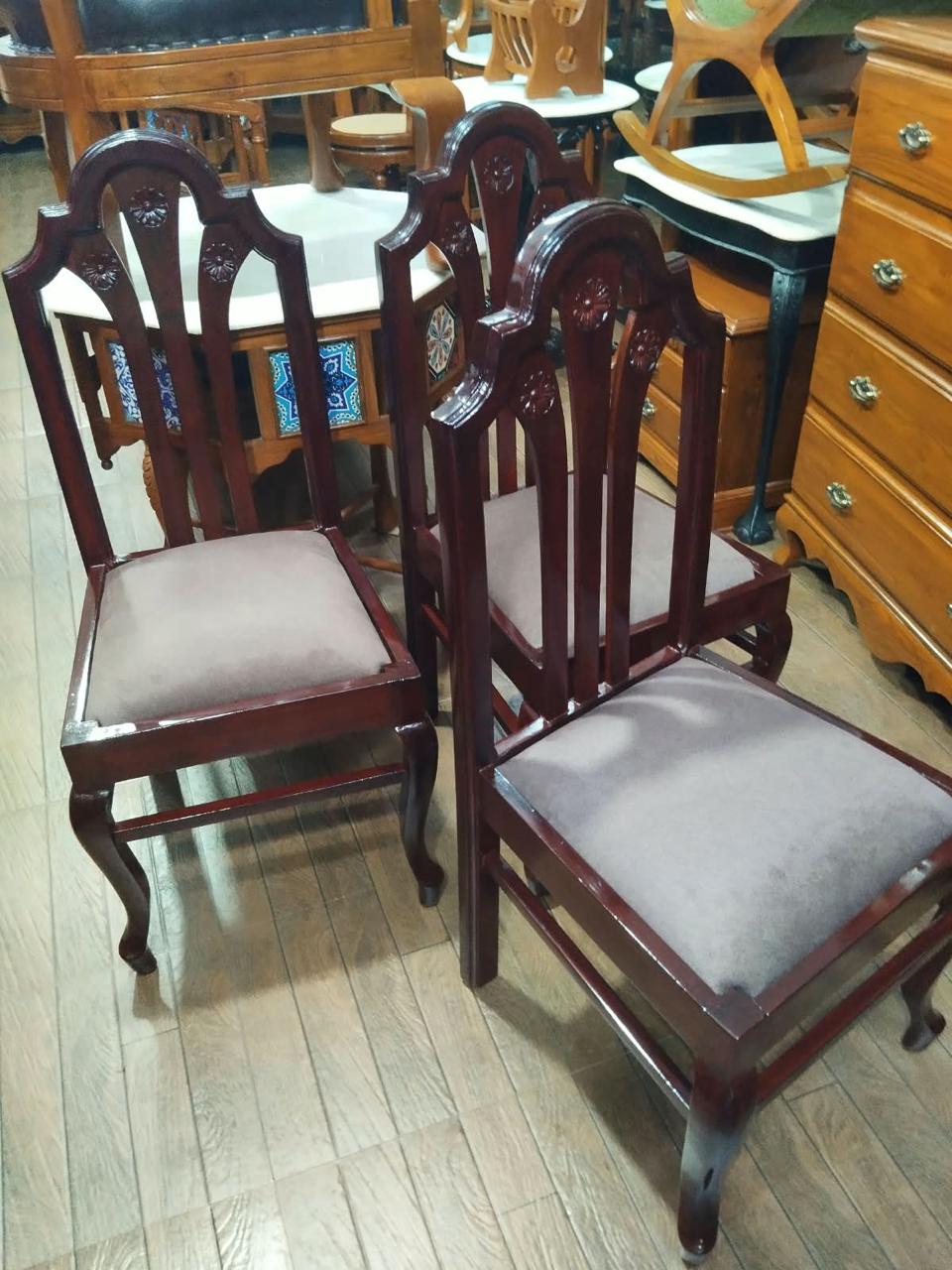
6 dining chairs for sale
Ashok GardensNeighbourhood apartments
+ Place Ad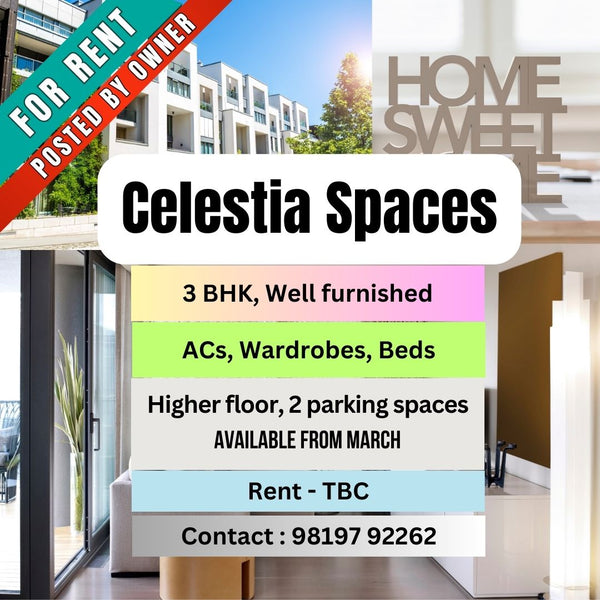
3 BHK - CS
Published 22 Feb 2025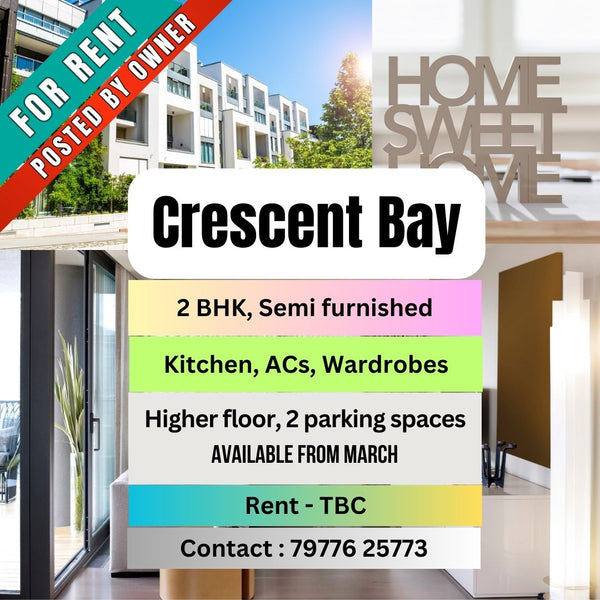
2 BHK - CB
Published 22 Feb 2025
2.5 BHK for rent
Published 22 Feb 2025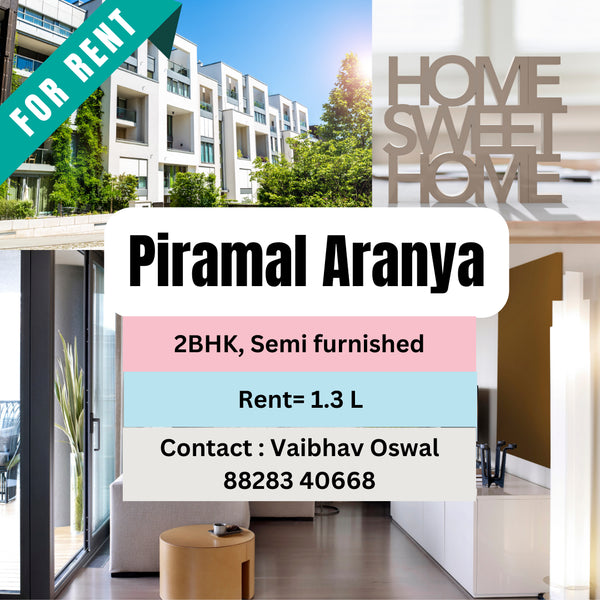
2 BHK for rent
Published 22 Feb 2025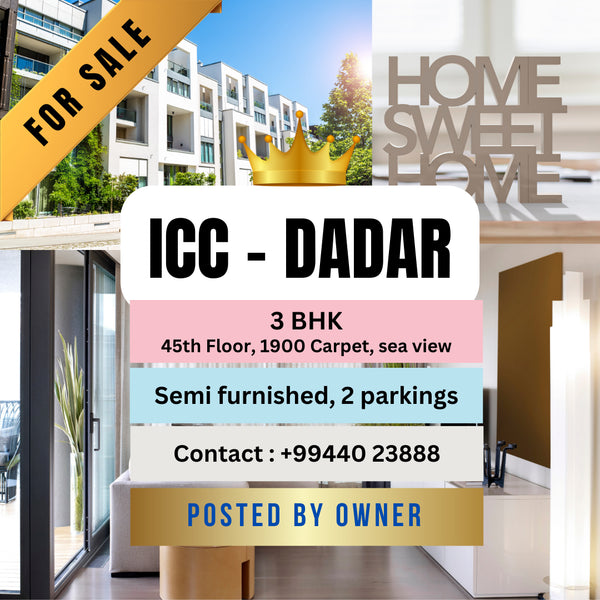
3 BHK for sale
Published 22 Feb 2025
3 BHK Duplex
Published 22 Feb 2025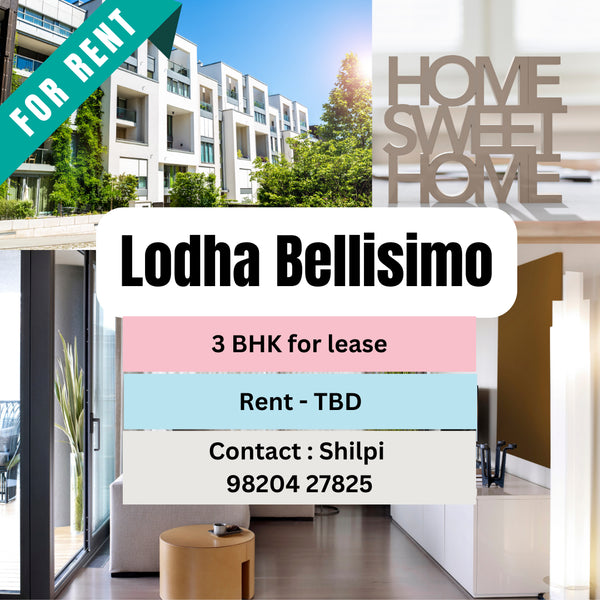
New Listing - 3 BHK
Published 22 Feb 2025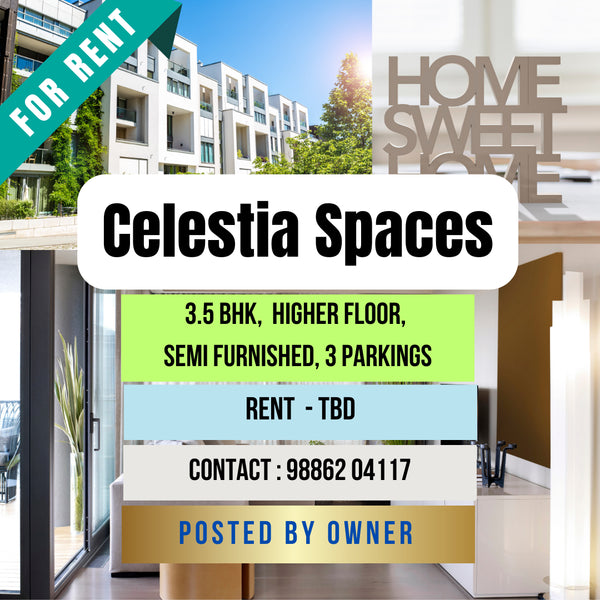
3.5 BHK for Rent
Published 22 Feb 2025Neighbourhood facts


Vendors in your neighbourhood






Questions neighbours ask
Is my building served by Buzzytown?
Type your building name in the box at the top of this page and we will check it against our list.
How do I join Buzzytown?
Buzzytown is invite only for now. A neighbour who is already on Buzzytown invites you. When you accept the invitation and agree to our terms, Buzzytown verifies and approves your request. Once approved, you can log in to the Buzzytown website, and to the Buzzytown conversation bot once it is active. For the resident WhatsApp groups, each group has a limit. If there is space, we add you. If not, you are placed on a wait list and we add you as soon as there is space.
How can I add my friend to Buzzytown?
You can invite friends who live in a Buzzytown building, up to 5 friends a month. Each invitation is valid for 14 days. Your friend accepts your invitation and agrees to our terms, and Buzzytown then verifies and approves them. Invite a friend
Are the resident WhatsApp groups included?
Resident WhatsApp groups are based on slot availability. These are also premium reference groups. Everyone does not automatically get access, but you are welcome to join the wait list.
What are the resident groups for?
Buzzytown resident groups are arranged by topic, so residents can ask questions and have conversations about that topic. For example, in the real estate group you can mention if you want to put your flat on rent. In the pets group you can discuss any challenges your pet is facing and ask residents for solutions. Ads are also posted by registered vendors on the groups, on specific days and as per the Buzzytown rules. Buzzytown only enables discovery. Any transactions are between the residents and vendors.
If I join a resident group, can I post my ads on the groups?
For posting ads, you need to register as a vendor or pay for an ad. Posting ads on the groups without this is not permitted and can lead to termination of the membership.
Will Buzzytown share my name or number?
Buzzytown is committed to keeping personal details of residents private. Your details are never shared automatically on our website or search tool. The only instances of sharing are when you specifically give permission (for example, if you join as a vendor and give consent for sharing your number on the form). When you write a review, only your building name is shown by default. Your name appears only if you choose to show it. In the resident WhatsApp groups, your number is visible to other members of the group, as per the current WhatsApp setup. If you have a concern with this, you should not join the WhatsApp groups. Please read our Privacy Policy and Terms and Conditions.
Who can write a review?
Registered residents who have used a service or purchased a product from a vendor registered on Buzzytown can write a review. Both good and bad reviews are accepted. By default, a review shows only the resident's building name. A name is shown only if the resident chooses.
How do I place an ad?
Click here to place an ad.
How do I refer a vendor?
Click here to refer a vendor.
Does Buzzytown list maids?
No. Buzzytown does not offer or list maid services. You can ask other residents in your building for recommendations.
How do I join Buzzytown as a vendor or business?
Buzzytown is invite only for now, and a resident reference is needed. If a resident has referred you, you will receive a link to fill in your details. Your details and reference are verified, and your profile is created on the Buzzytown website after approval.
How fast can I join Buzzytown?
We have a wait list for both vendors and residents at the moment, so it takes time as we try to verify a lot of details before adding anyone.
Does signing up mean I will be added to the resident groups?
The resident groups are premium reference groups and are only for residents. Signing up as a vendor does not add you. If you are a resident of the buildings Buzzytown operates in, you are welcome to join the wait list. You will be added based on slot availability and premium membership options.
If I am not a resident, can I still join the groups?
Unfortunately no. The resident groups are only for residents.
If I am not on the groups, how can my ad still be posted?
If you are not on the groups but you are a vendor on the Buzzytown website, there are 3 ways your ad can be posted. (1) A resident can post on your behalf on the WhatsApp groups with your Buzzytown profile link (on specific days), for the whole year till 31 Dec of every year. (2) You can tag Buzzytown on Instagram in your posts and we will accept from time to time. (3) When you need more business, you can write to us and we can post up to 12 times in a year for you, over and above the times a resident posts on your behalf.
Is there any other fee?
Yes, there is an annual renewal fee. It differs by category and is payable within 30 days of your renewal date. If it is not paid on time, residents can no longer refer your profile and it stops being searchable. Please read the Vendor Terms and Conditions for the registration fee and refund rules.
Do I need to pay separately for each cluster?
The registration fee needs to be paid only once. It covers all clusters. You get added to clusters on the website based on the buildings you serve.
Can I be added to the resident groups of 2 clusters?
A vendor who is also a resident is added to the resident groups of only 1 cluster, based on their primary place of stay.
Can my posts be advertised in different clusters?
Yes, your posts can be advertised in different clusters if you serve residents there.
What are the most important things while filling the form?
Make sure you give your correct WhatsApp number (it will be shared with residents). Add a resident reference (this will be verified). Add a lot of details about what you do really well.